Starting your Space Station 14 server
🚀 Starting your Space Station 14 server
After ordering your Space Station 14 server at OXY.Games, the server is delivered ready to use, but it is not started automatically.
In this guide, we’ll show you:
- Where to start the server
- What to expect during the first startup
- When your server is ready for players to connect
🖥️ Server overview (before first start)
When your server is delivered, you’ll see an overview like this:
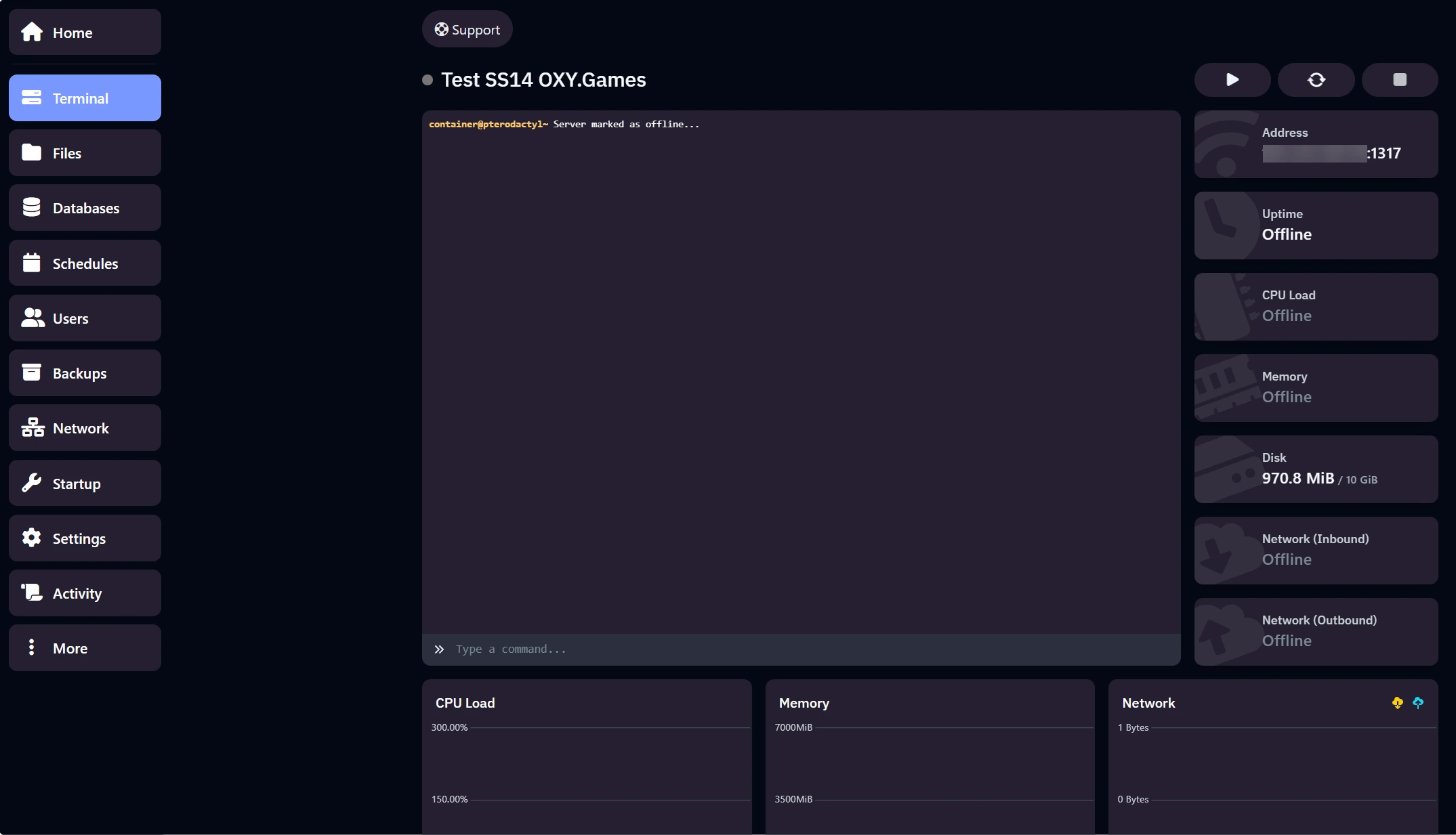
At this point:
- The server status is Offline
- No files are running yet
- This is completely normal for a new server
▶️ Starting the server
To start your server, click the Start button at the top of the panel.

Once clicked, the server will begin its startup process.
⏳ First startup: downloading & setup
During the first start (or after a reinstall), Space Station 14 will automatically:
- Download required server files
- Fetch the latest official server version
- Extract and prepare all components
You’ll see messages like Downloading, Extracting, and Pull complete in the console.
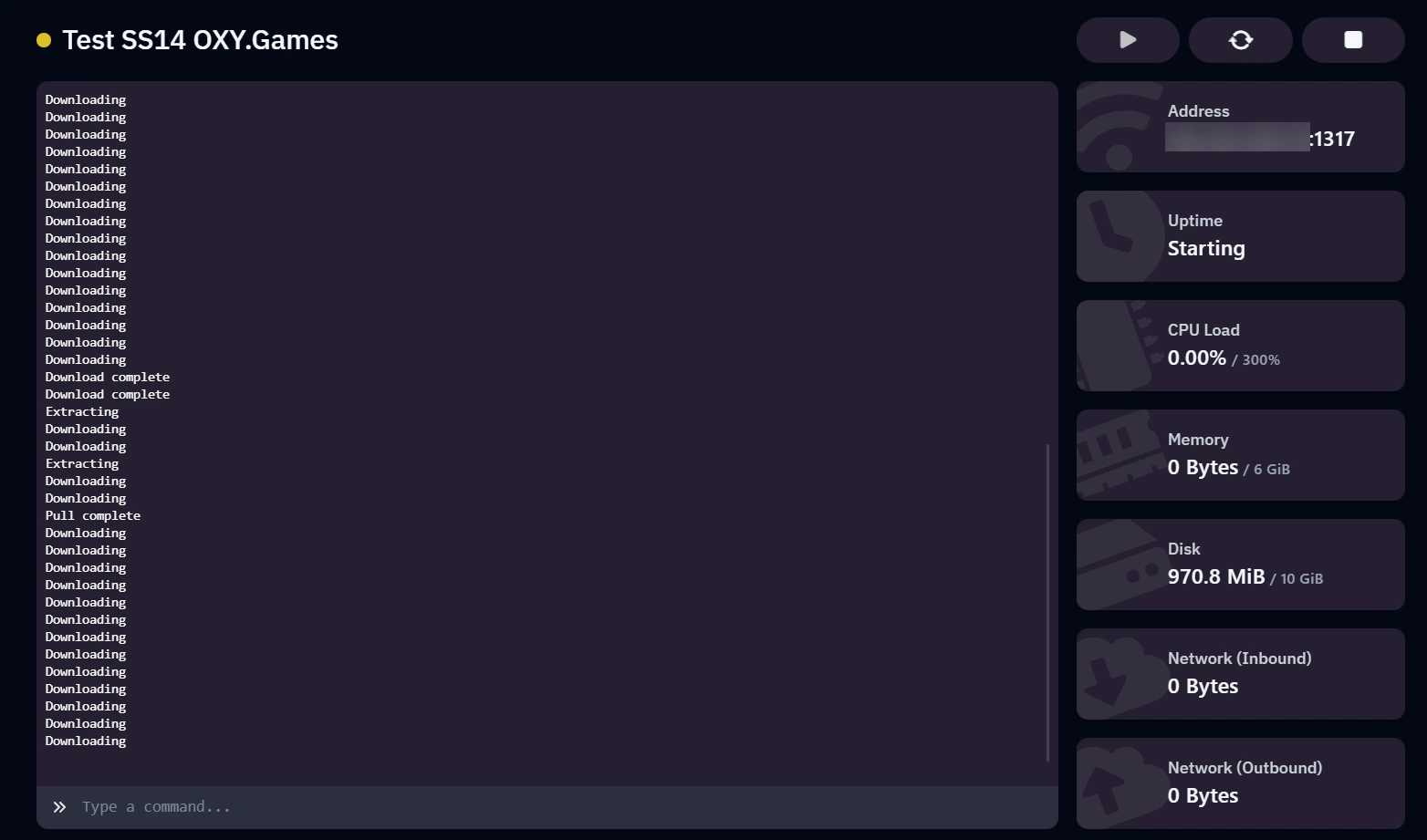
💡 Good to know This step can take a few minutes. Do not stop the server while files are downloading.
🟢 Server online & ready
Once startup is complete:
- The server status turns Online
- The indicator dot at the top turns green
- Console output confirms the server is running
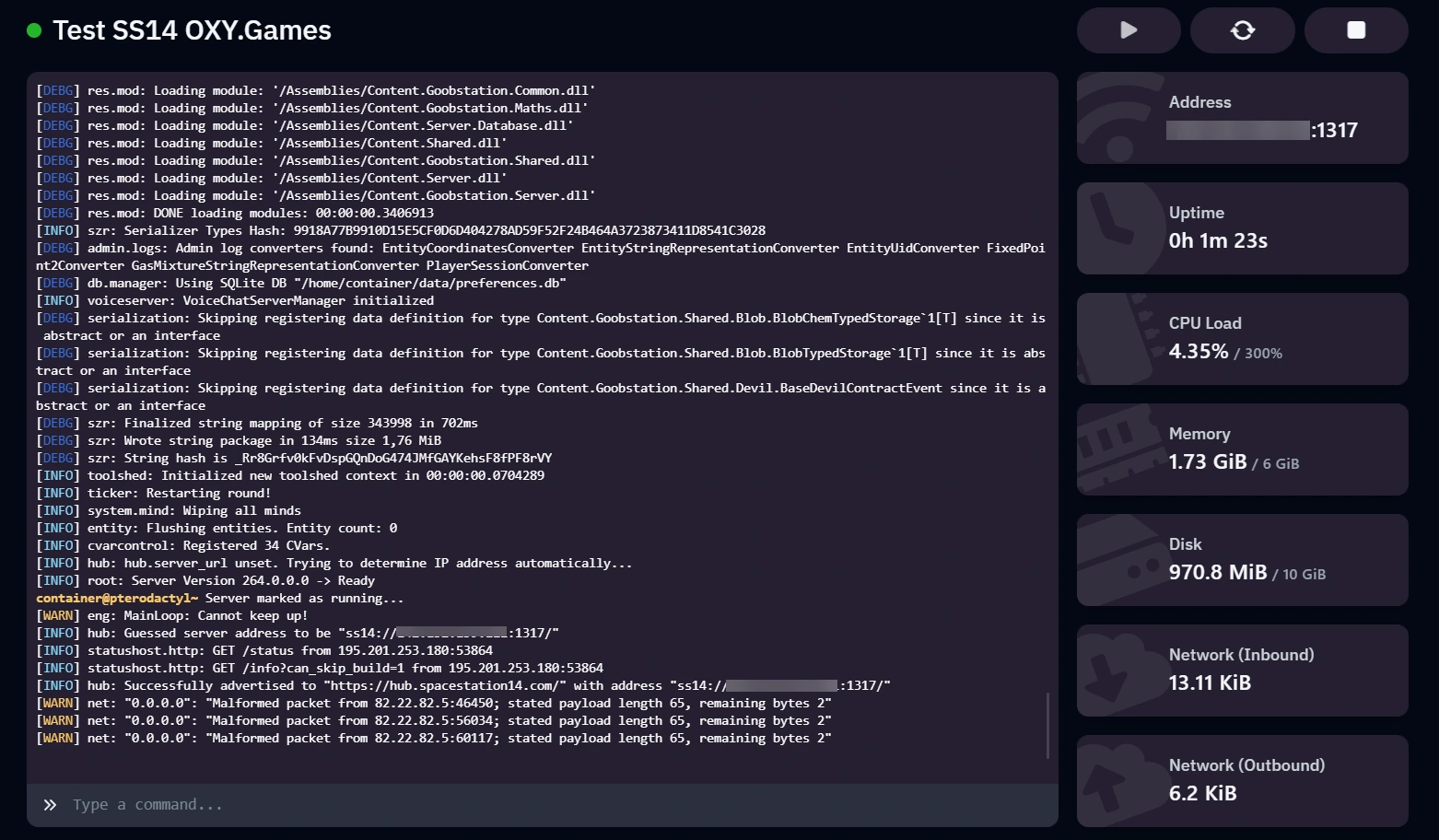
Your Space Station 14 server is now fully operational and ready for players to connect.
⚠️ Common notes
- First startup always takes longer than normal restarts
- High console activity during startup is normal
- After the first run, future starts will be much faster
If the server appears stuck for more than 10–15 minutes, check the console output or contact support.
➡️ What’s next?
Continue with:
- How to connect to your Space Station 14 server
- Basic server configuration
- Admin & moderation basics
You’ll find these guides in the Getting Started section.
Happy hosting 🛰️