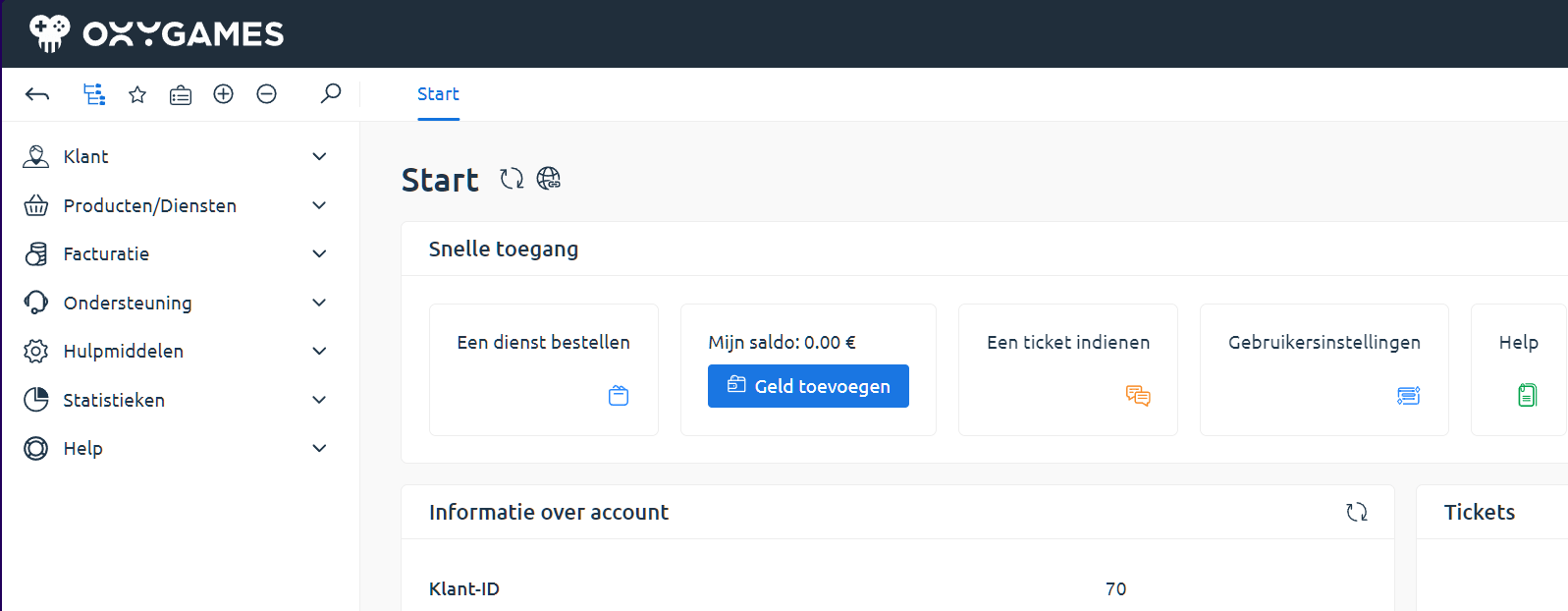
Forgot Your Password?
Lost your password or can’t log in to your OXY.Games account?
Follow these simple steps to reset your password and regain access.
Step 1 – Go to my.oxy.games
Section titled “Step 1 – Go to my.oxy.games”Visit https://my.oxy.games and click on Forgot password below the login form.
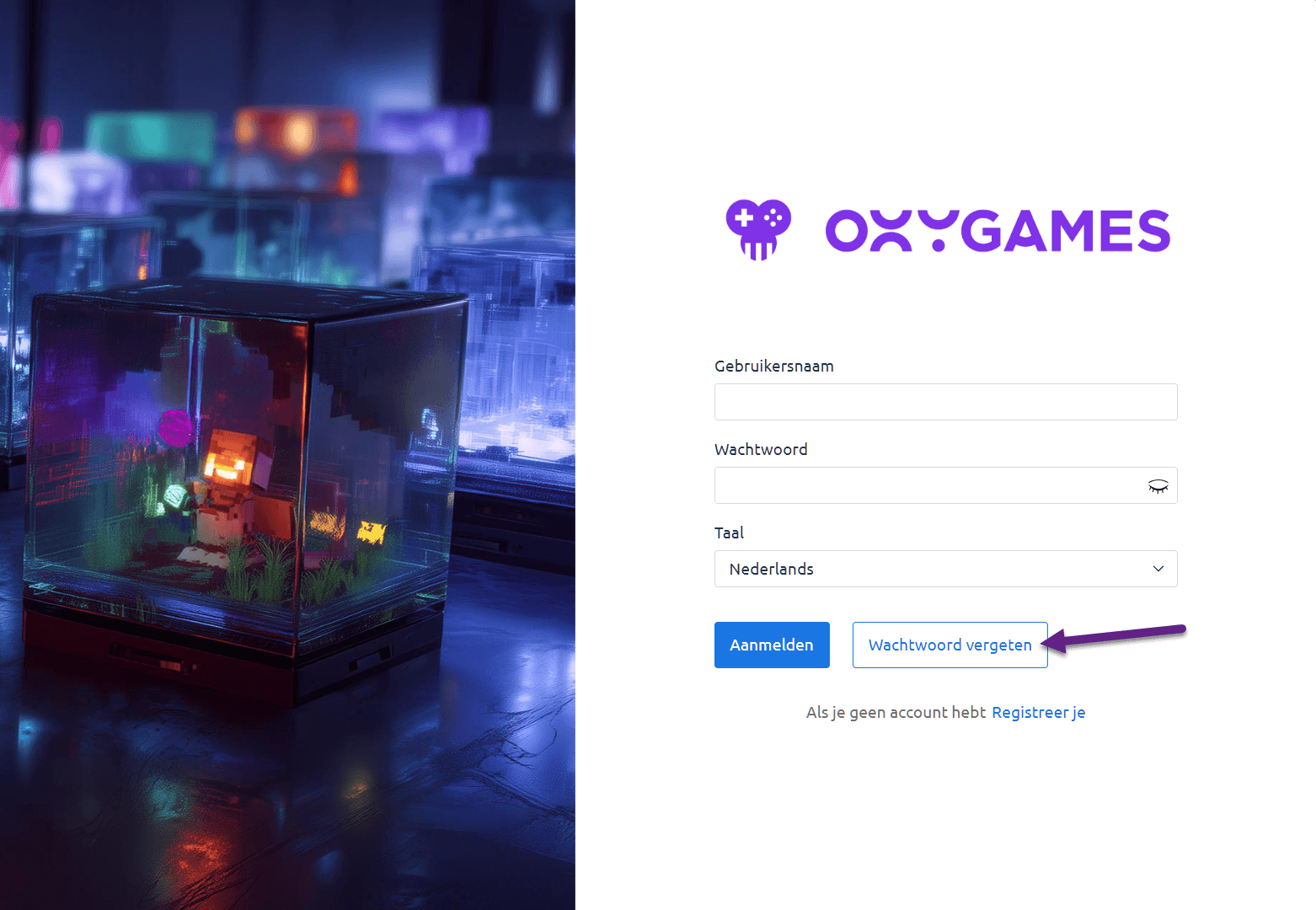
Step 2 – Enter your email address
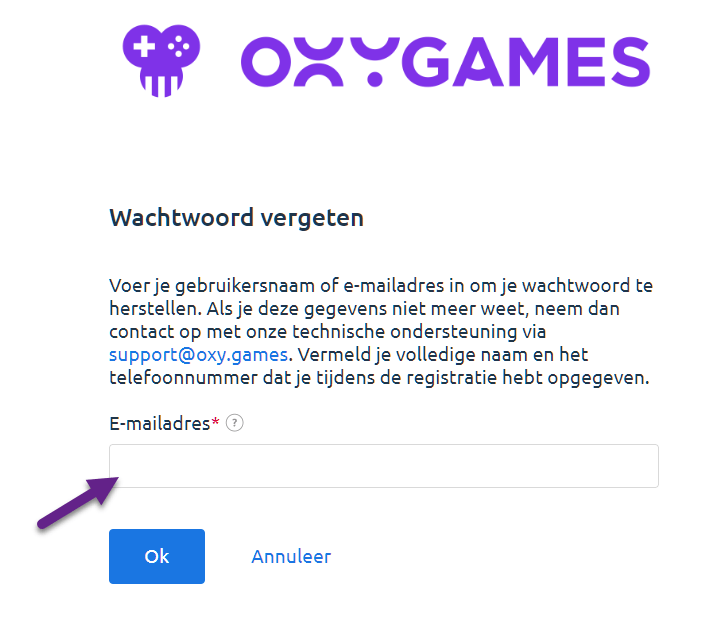
Section titled “Step 2 – Enter your email address”You’ll see a form. Enter your registered email address and click OK.
Our system will send you a recovery email with a reset link.
Step 3 – Open the email
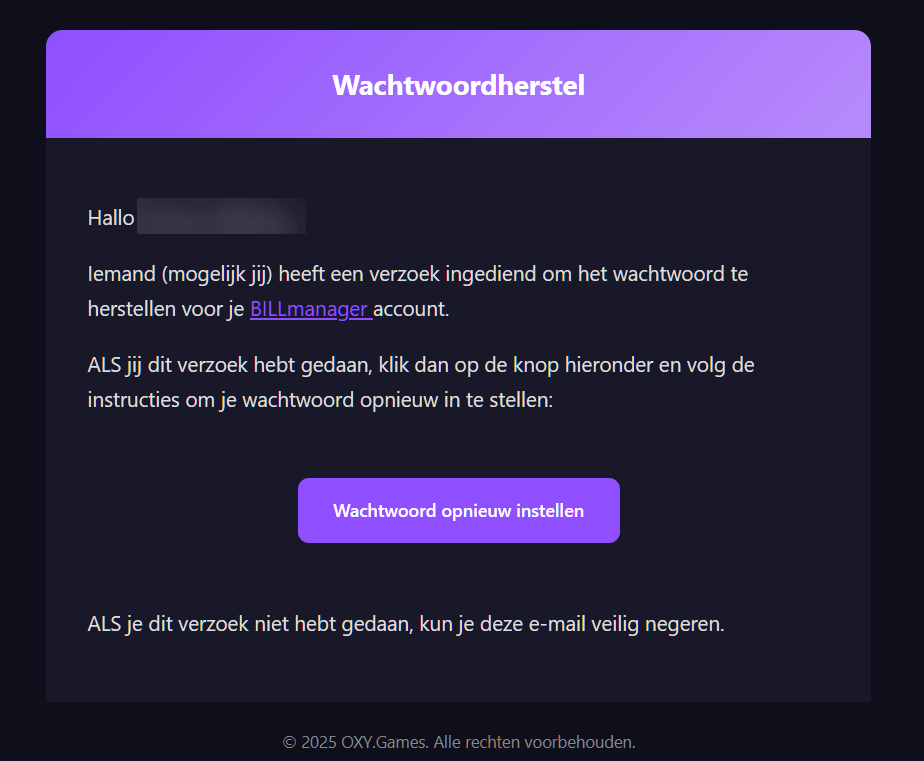
Section titled “Step 3 – Open the email”If the email is correct and linked to an account, you’ll receive a message with a reset link.
Click Reset Password in the email.
Step 4 – Choose a new password
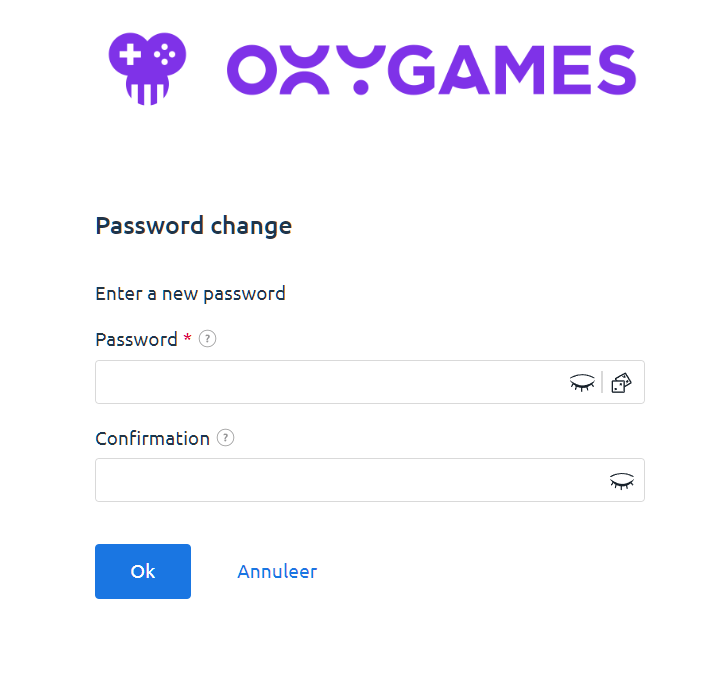
Section titled “Step 4 – Choose a new password”After clicking the link in the email, you’ll see a form.
Choose a new password and confirm it by entering it twice.
Step 5 – You’re logged in again
Section titled “Step 5 – You’re logged in again”Once your new password is set, you’ll be automatically logged into your dashboard.
You’re ready to go!