

Start your Space Station 14 server
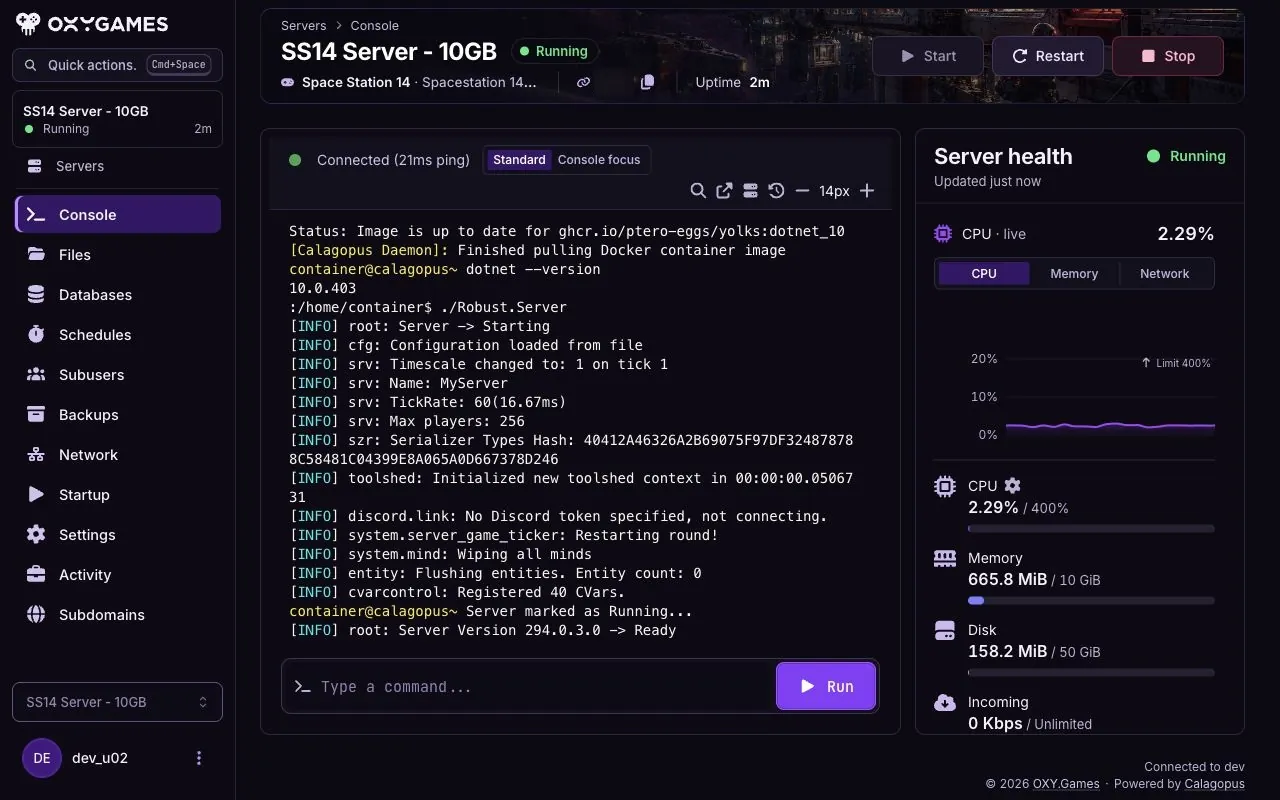
Start your server in the game panel and watch its Console until it reports Running and Ready. Then you can try joining through the launcher.
What you'll do
- Open your server
- Start it from Console
- Watch the startup log
- Check for Running and Ready
Start the server
Section titled “Start the server”-
Open Console
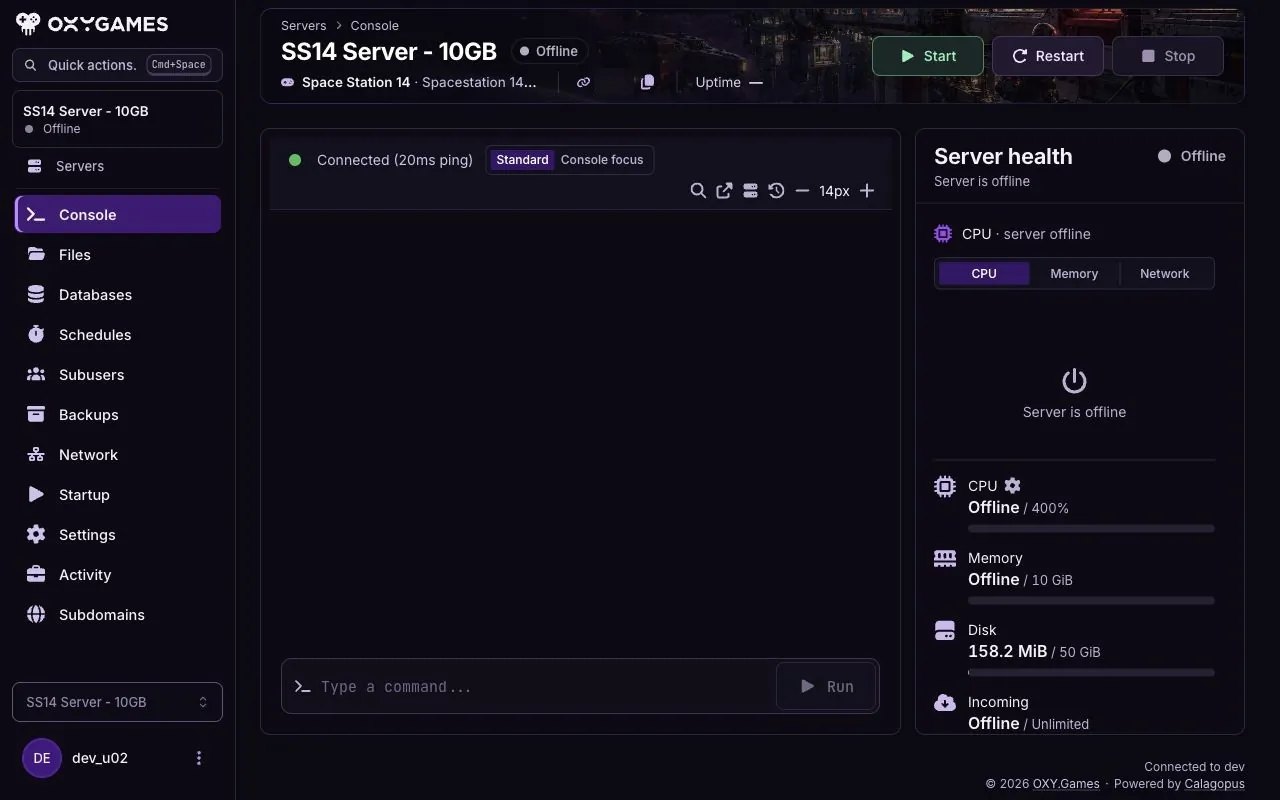
Section titled “Open Console”Sign in to the game panel, choose your Space Station 14 server and open Console. An offline server shows Start.
-
Click Start
Section titled “Click Start”Click Start once. Keep the Console open while the server starts. Its first start may take longer while files are prepared.
-
Check the result
Section titled “Check the result”Wait for Running in the panel and Ready in the console. If the server stops or shows an error instead, copy the last relevant console lines and contact support.
Extra tips
Section titled “Extra tips”- Startup takes time: Leave the Console open until it shows Ready; a temporary Starting status is not the final result.
- Need to stop the server? Use Stop in Console and wait for Offline before editing server files.
- Changing settings? Make a backup first, then follow basic configuration.