

Server settings
Server controls are split over two pages in the panel. Settings is about the server itself; Startup is about how the game is launched. Game rules such as difficulty or PvP are in the game’s own config files.
The Settings page
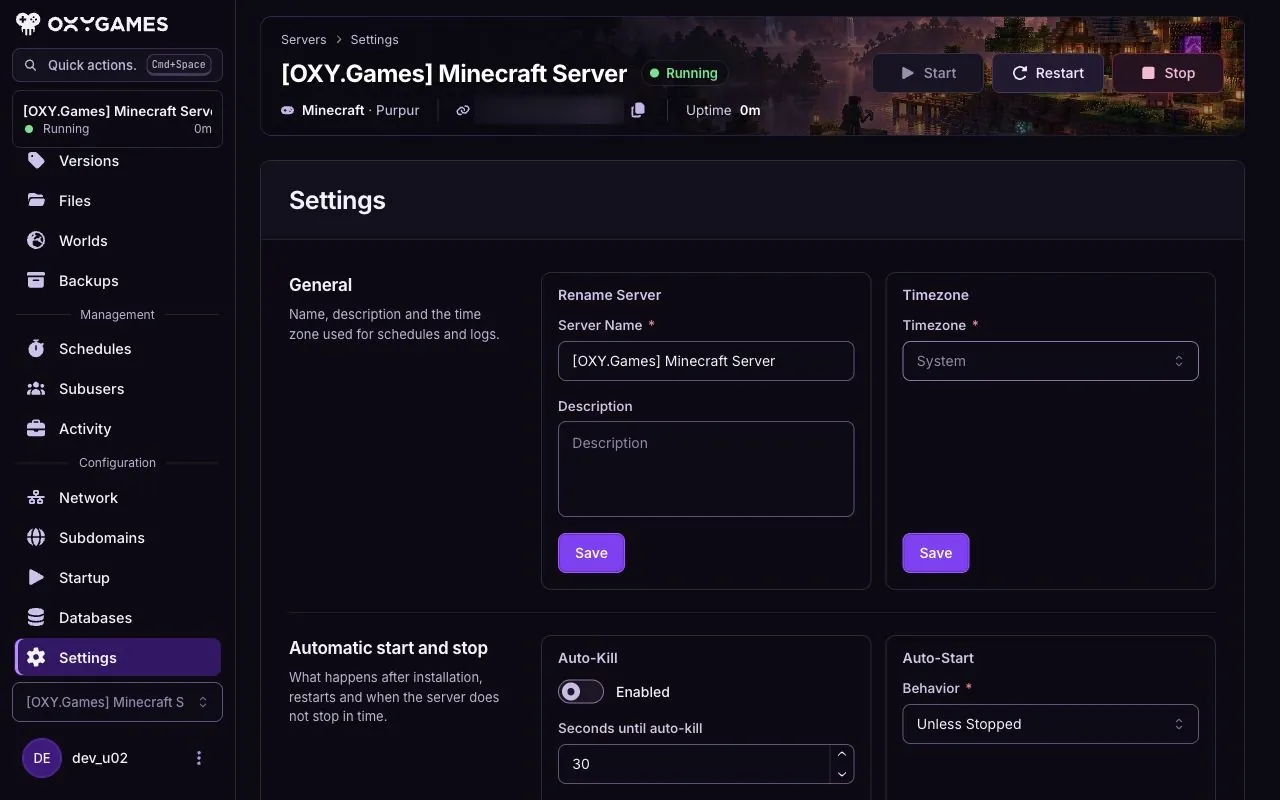
Section titled “The Settings page”Settings → General shows server details such as the name and time zone. The Reinstall section is further down the page; read Reinstall your server before using it.
The Startup page
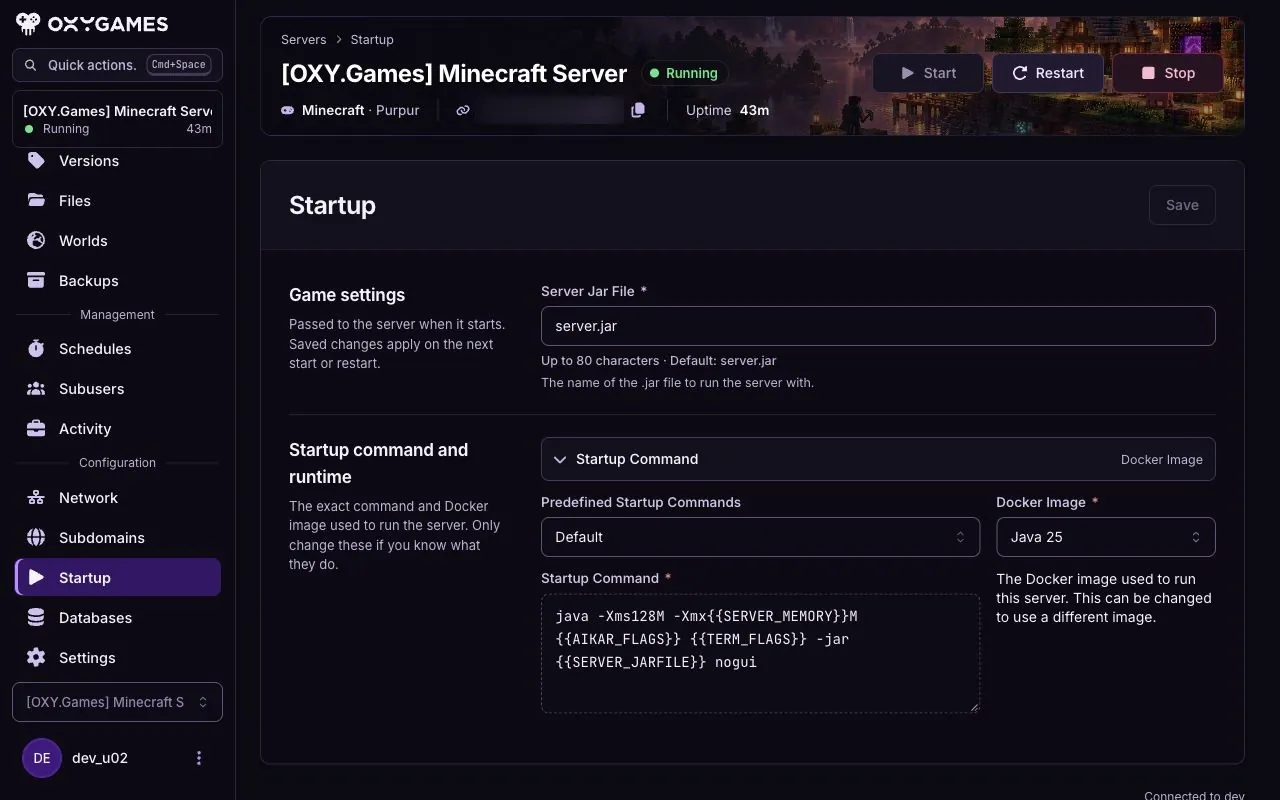
Section titled “The Startup page”Startup is separate from Settings. It shows the startup command, Docker image and game-specific variables available for this server. Check the current values before changing them; the screenshot below shows one Minecraft demo, not a recommended Java version.
Game settings
Section titled “Game settings”- Minecraft: difficulty, gamemode, MOTD, world seed, flat world, performance.
- Hytale: PvP, whitelist.
- Project Zomboid: admin controls, Workshop mods.
- Space Station 14: basic configuration.