

Connect to your Hytale server
Your server is running. Here is where the address lives and how to join from Hytale.
What you'll do
- Copy the address from the panel
- Open Servers in Hytale
- Direct Connect or Add Server
- Share the address with friends
-
Copy your server address
Section titled “Copy your server address”Log in to the game panel, open your Hytale server and check that the status is Running. Copy the address, for example
123.45.67.89:5520. The number after the colon is the port; players need both.
-
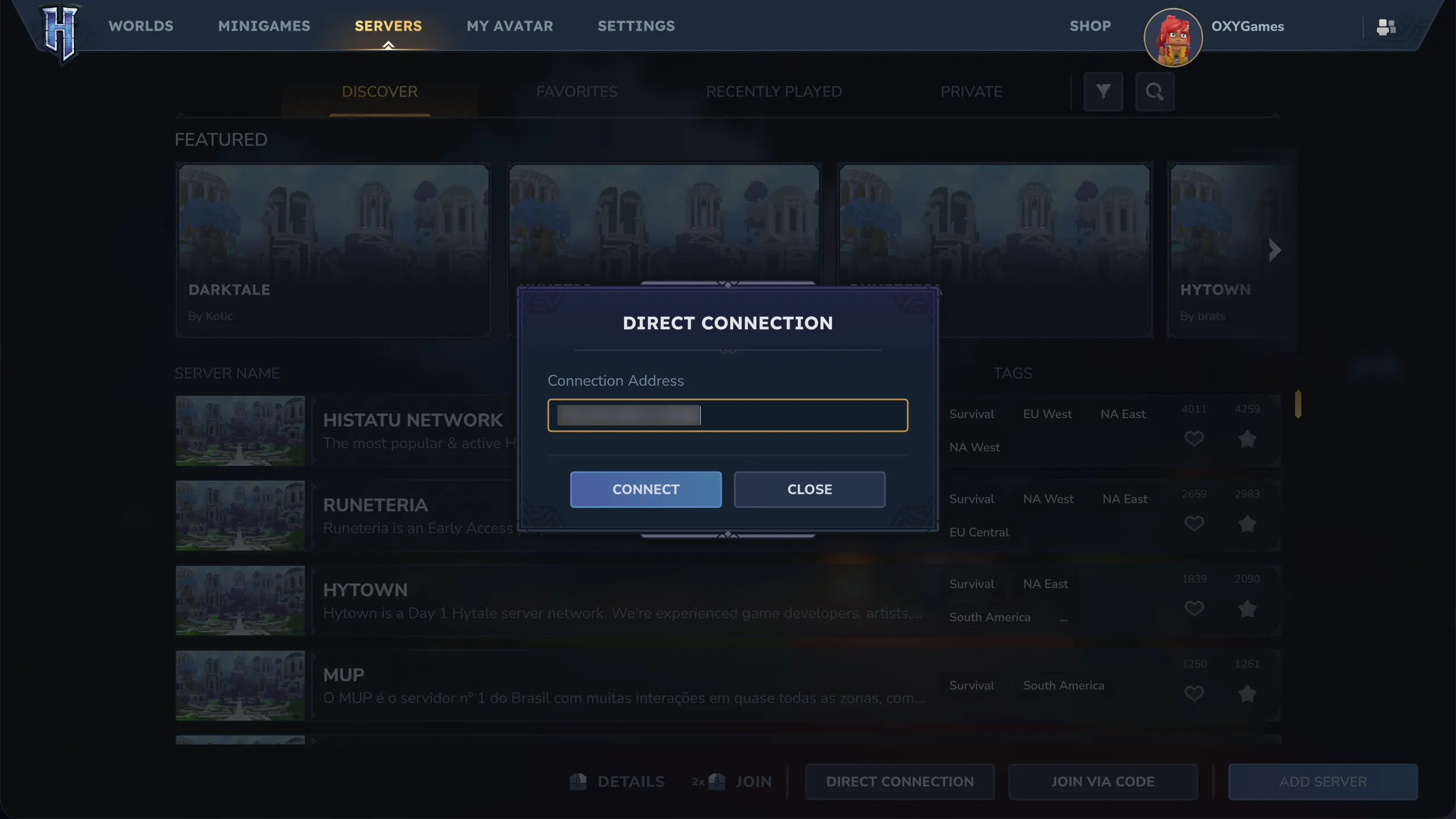
Open the Servers menu in Hytale
Section titled “Open the Servers menu in Hytale”Launch Hytale and open Servers in the main menu.
-
- Direct Connect for a quick join: paste the address and click Connect.
- Add Server to keep it in your list: enter a name and the address, click Add, then double-click the server to join.
Can’t connect?
Section titled “Can’t connect?”- Status in the panel must be Running.
- Use the full address including the port after the colon.
- You and the server must run the same Hytale version.
More causes in Players can’t connect.