

Start your Hytale server
A new Hytale server is delivered stopped. Starting it is the only thing you do; OXY authenticates the server for you in the background, so there is no login or command to run.
What you'll do
- Open your server in the game panel
- Click Start
- Wait for the first download
- Share the address with players
-
Open your server
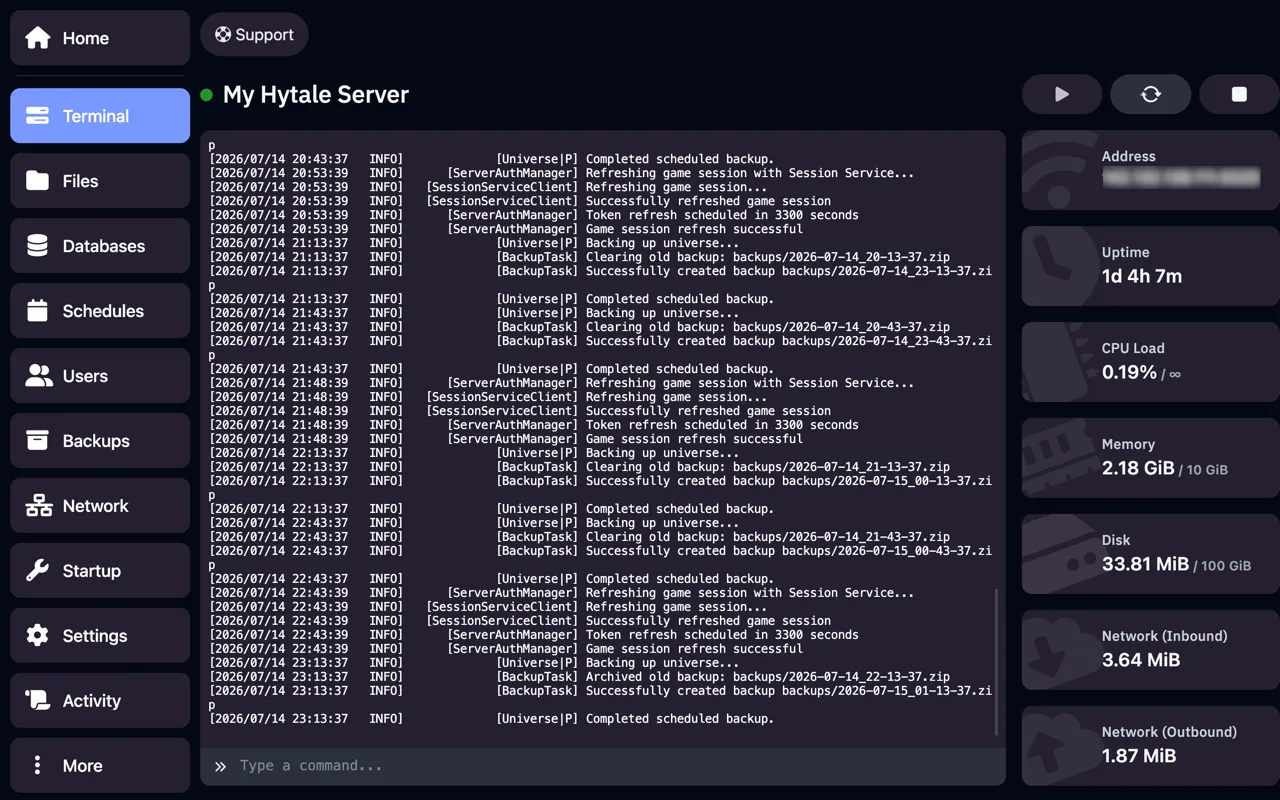
Section titled “Open your server”Log in to the game panel and click your Hytale server. You land on the Console tab.
-
Click Start
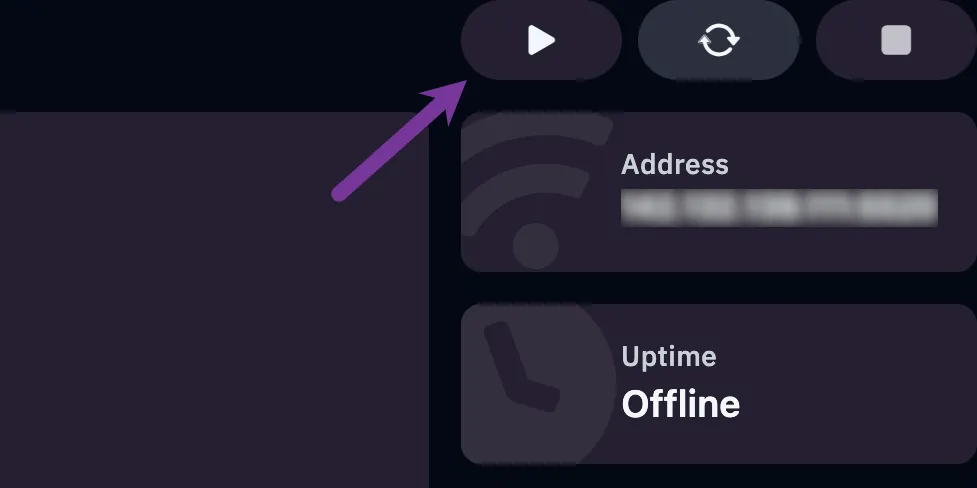
Section titled “Click Start”Click the green Start button at the top right. The first start downloads the Hytale server files, so give it a few minutes; later starts take seconds.
-
Wait for Running
Section titled “Wait for Running”When the status shows Running and the console stops scrolling, players can join.
Extra tips
Section titled “Extra tips”- Stuck on the first start for more than 10 minutes? Click Restart once. If it happens again, open a ticket with the last console lines.
- After a Hytale update the server downloads the new version at the next start. Players must update their game too.